Quick tipHow toMarketing Hub

Set global colors and fonts for legacy forms

Legacy editor only.

Subscription
All tiers
Permissions
Marketing settings
Time
2 min · Beginner
Last verified

Short answer

HubSpot's KB: set default colors and fonts for legacy forms embedded externally and on standalone pages. HubSpot recommends the updated editor for new forms, which styles forms differently.

1. In HubSpot

The relevant screen in my demo portal.
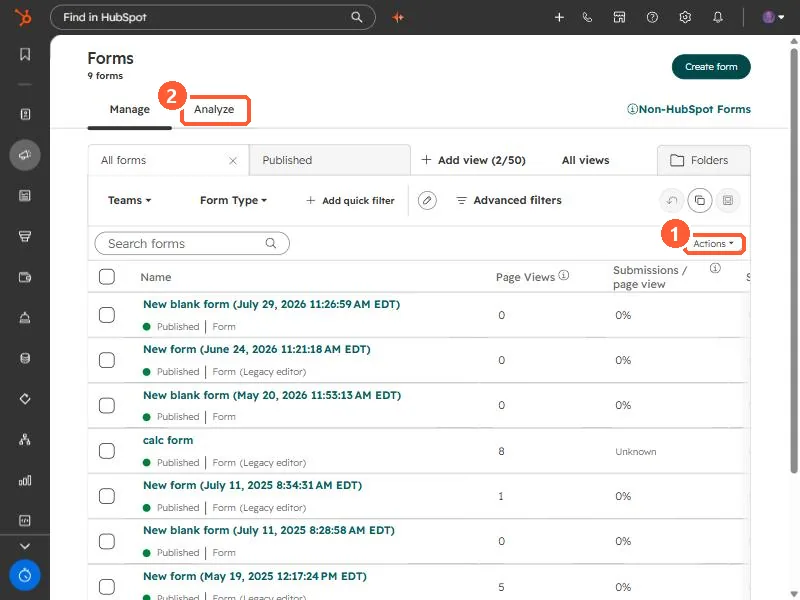
Forms list with Actions menu and Analyze tab
Actions (1) and Analyze (2).

2. Worth knowing

Pages with their own CSS may override these.

3. Related

Forms in WordPress.

Sources

New field notes by email

One email when a new article publishes.

Still stuck?

If this did not fix it, the problem is probably specific to your setup. Book a call and we will look at it together.

Book a call with Sam