Short answer
HubSpot's KB: click the global module on the template, then Create copy. That makes a local copy, so edits only appear in that template after publishing. The other templates keep using the global version.
1. In HubSpot
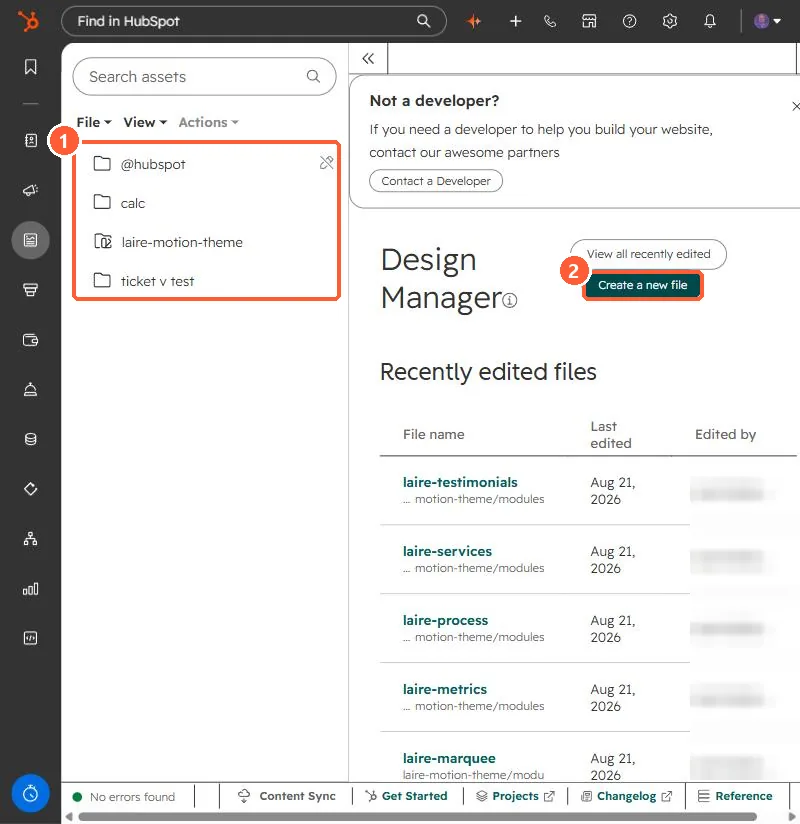
The relevant screen in my demo portal.
2. Worth knowing
A local copy no longer receives future edits to the global module. Review the KB's requirements and limitations before detaching.