Quick tipFix itSales Hub

Why meetings don't appear on a contact's Google Calendar

Gmail users must approve the sender.

Subscription
All tiers
Permissions
Meetings access
Time
2 min · Beginner
Last verified

Short answer

HubSpot's KB: Google Calendar's defaults can stop HubSpot invites appearing on personal calendars. The contact opens the invite and clicks I know the sender; future events then add automatically.

1. In HubSpot

The relevant screen in my demo portal.
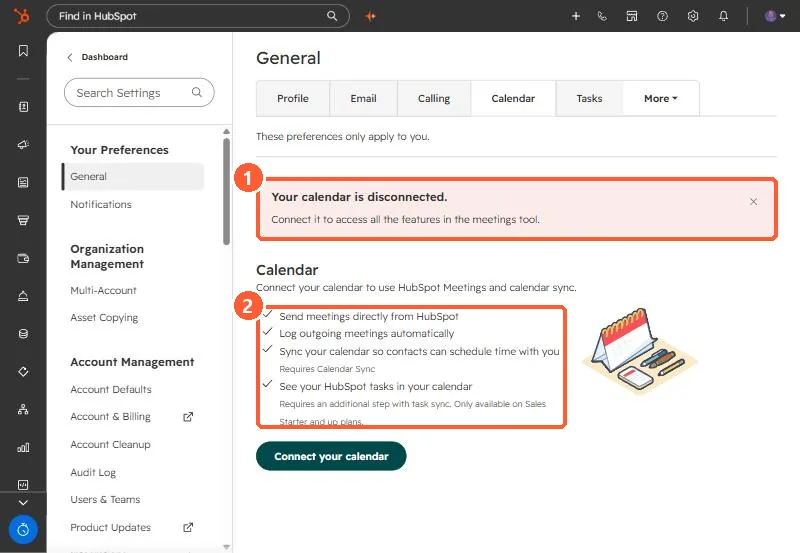
Calendar settings showing Your calendar is disconnected and a list of what connecting enables
The disconnected warning (1) and what connecting enables (2).

2. Worth knowing

This is a Google setting, not a HubSpot one.

3. Related

Calendar sync.

Sources

New field notes by email

One email when a new article publishes.

Still stuck?

If this did not fix it, the problem is probably specific to your setup. Book a call and we will look at it together.

Book a call with Sam