Quick tipHow toSales Hub

HubSpot's calendar view: meetings in one place after you connect a calendar

The Calendar item in the Sales menu shows your meetings inside HubSpot once your calendar is connected.

Subscription
Meetings tool tiers
Permissions
Any user with a connected calendar
Time
2 min · Beginner
Last verified

Short answer

After you connect your calendar, HubSpot's KB says the dedicated calendar view lets you review past meetings, prepare for upcoming ones, and schedule new meetings in one place. It appears as Calendar in the Sales menu. Without a connected calendar, the page shows a Connect calendar prompt.

1. Before connecting

My demo login has no calendar connected, so my demo portal shows the prompt.
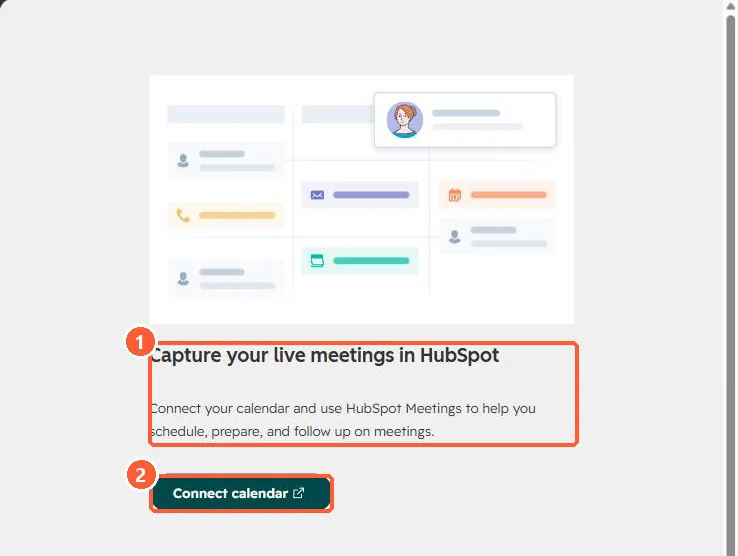
Calendar page with Capture your live meetings in HubSpot text and a Connect calendar button
What it does (1) and Connect calendar (2).

2. Related

Syncing tasks to calendar and the sales workspace.

3. Meeting links

Meetings links.

Sources

New field notes by email

One email when a new article publishes.

Still stuck?

If this did not fix it, the problem is probably specific to your setup. Book a call and we will look at it together.

Book a call with Sam