Short answer
In a single file, include each contact's Email and the company's Company domain name in the same row; HubSpot creates or updates both and associates them. HubSpot's KB warns that without unique identifiers, the import creates duplicates instead of associating to one record. To associate one record with several others, add multiple rows. If you use Record IDs for several objects, label the columns clearly (for example Record ID - Contacts).
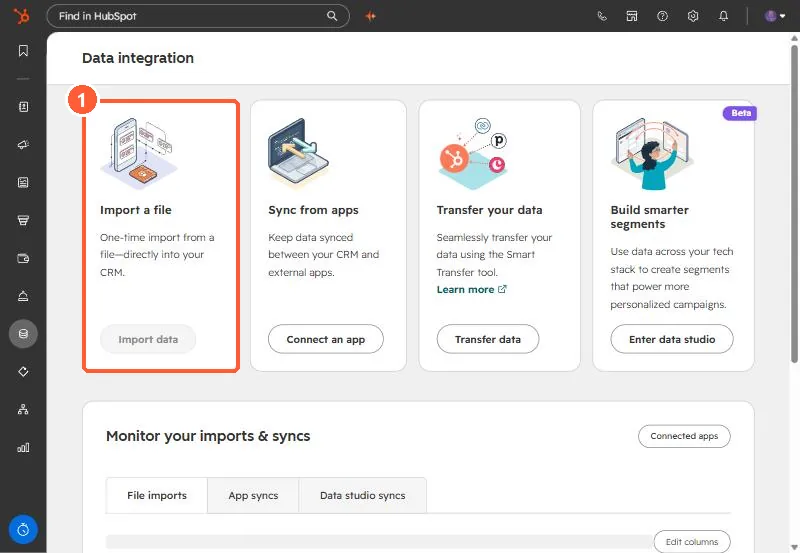
1. Start from Data integration
Imports start here in my demo portal.
2. Rules that catch people
- You can't import to create two new records of the same object and associate them; one must exist.
- Existing records can only be matched by primary email or primary domain.
3. Related
To label the associations, add an Association label column. See association labels and import limits.