Short answer
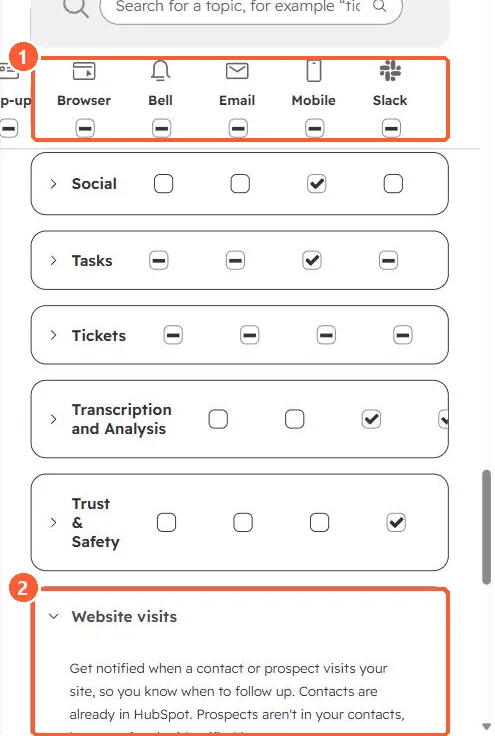
HubSpot's KB says lead revisit notifications can arrive as an email, a notification center alert, or a real-time alert through the sales extension when an existing contact visits your site. Manage them under Settings > Notifications > Website visits, which in my demo portal covers both contacts and prospects (visitors who are not contacts yet). Channels include browser, bell, email, mobile and Slack.
1. The setting
Notification preferences in my demo portal, Website visits expanded.
2. Keep it useful
- Limit alerts to your own contacts so the feed stays readable.
- Make sure your own team's traffic is excluded. See excluding your traffic.
3. Related
Activity feed and notification preferences.