Quick tipHow toSmart CRM

Limit who can see logged emails

All emails, team emails, or only your own.

Subscription
Check your subscription
Permissions
Super Admin
Time
2 min · Intermediate
Last verified

Short answer

HubSpot's KB: edit CRM email permissions to control who can view, edit or delete logged emails. Scopes include all CRM emails or their team's (emails they sent, received or were copied on, plus their team's).

1. In HubSpot

The relevant screen in my demo portal.
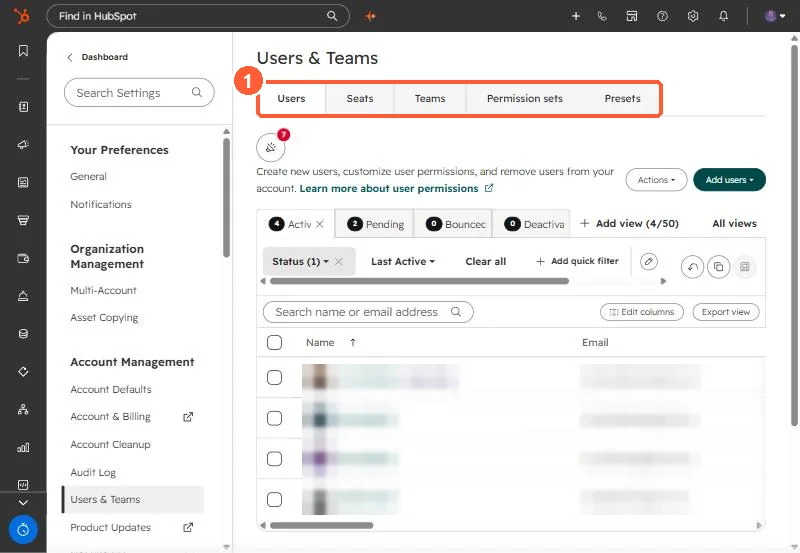
Users and Teams settings with Users, Seats, Teams, Permission sets and Presets tabs
The tabs that matter here (1).

2. Worth knowing

Check team membership, since the team scope depends on it.

3. Related

Permission sets.

Sources

New field notes by email

One email when a new article publishes.

Still stuck?

If this did not fix it, the problem is probably specific to your setup. Book a call and we will look at it together.

Book a call with Sam