Quick tipGotchaSales Hub

HubSpot branding on scheduling pages

Free and Core seats get one page with HubSpot branding.

Subscription
Sales Hub or Service Hub; team pages need Starter and up
Permissions
Account branding access
Time
2 min · Beginner
Last verified

Short answer

HubSpot's KB: users with a Core seat and free tools users can create one One-on-One page with default HubSpot branding. With a Sales or Service seat, customize the logo, company info and colors in account settings, which also apply to documents and quotes. With the Brands add-on, the selected brand sets the logo.

1. Meetings tool

The meetings intro in my demo portal.
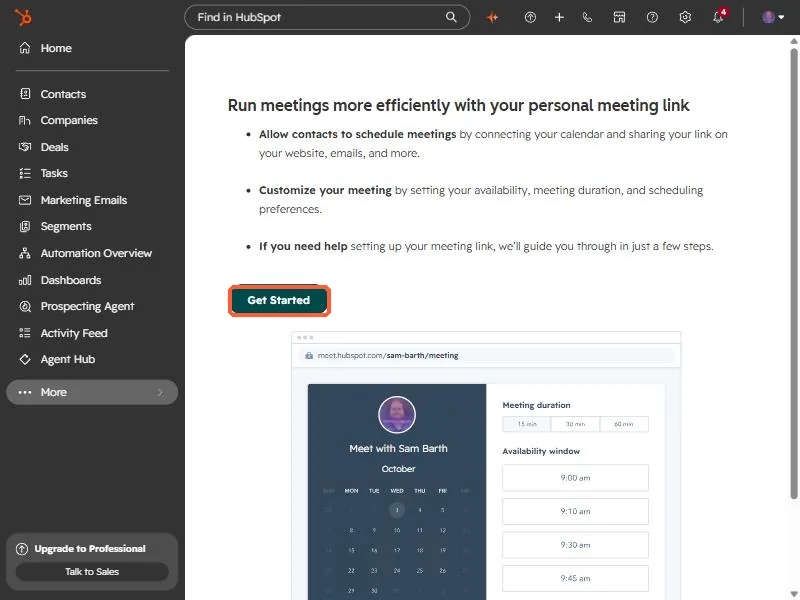
HubSpot meetings tool introduction page with the Get Started button highlighted
The meetings introduction.

2. Brand kit

See brand kit setup.

3. Related

Embedding the scheduler.

Sources

New field notes by email

One email when a new article publishes.

Still stuck?

If this did not fix it, the problem is probably specific to your setup. Book a call and we will look at it together.

Book a call with Sam