Short answer
Memberships organize who can see private content into access groups, which also control registration and sign-in. HubSpot's KB says pages and blog posts need Content Hub Professional or Enterprise (knowledge base and customer portal privacy is Service Hub). Professional allows up to two access groups; Enterprise allows up to 100. Legacy CMS Hub Professional does not support memberships.
1. Access groups
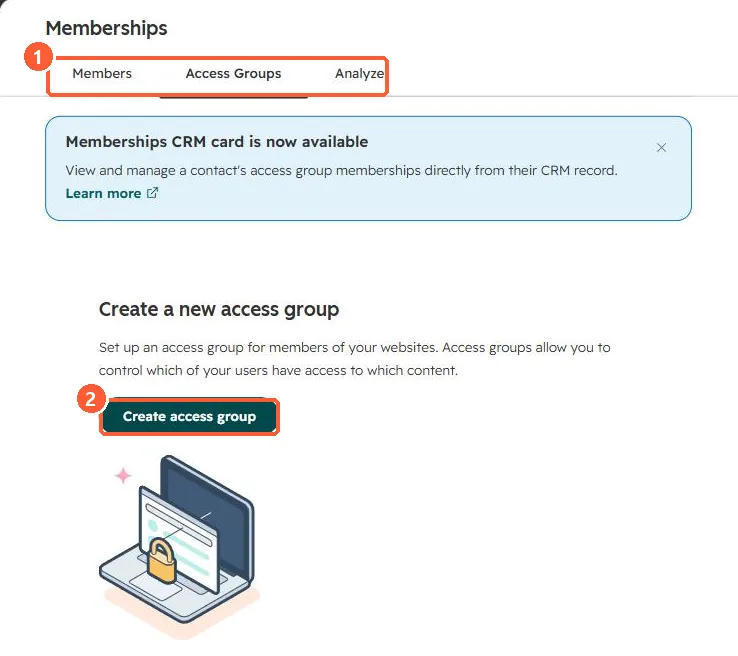
My demo portal has no access groups yet. A Memberships CRM card shows membership on contact records.
2. Simpler option
For one page, a password may be enough. See password protecting a page.
3. Related
Registration emails can be resent from the members list.