Quick tipHow toSmart CRM

@mention a teammate on a record

Mentioned users can edit or comment on the note.

Subscription
All tiers
Permissions
Record access
Time
2 min · Beginner
Last verified

Short answer

HubSpot's KB: type @ and a teammate's name or email in a note or activity. The mentioned user gets shared access to edit or comment on the note. Names with full-width characters need the email instead.

1. In HubSpot

The relevant screen in my demo portal.
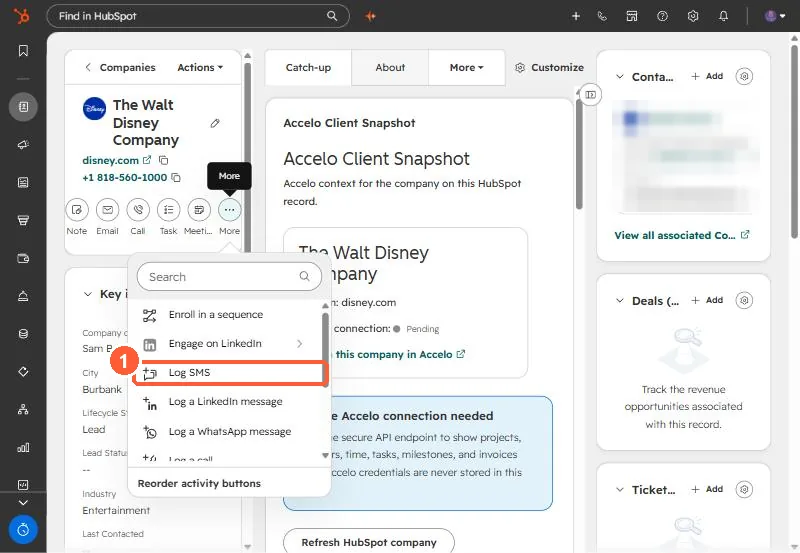
Record activity More menu showing Log SMS, Log a LinkedIn message and Log a WhatsApp message
The same record type users log by hand from the More menu (1).

2. Worth knowing

Use mentions instead of separate emails so context stays on the record.

3. Related

Comments on activities.

Sources

New field notes by email

One email when a new article publishes.

Still stuck?

If this did not fix it, the problem is probably specific to your setup. Book a call and we will look at it together.

Book a call with Sam