Short answer
HubSpot's KB: click Add comment (or the existing comment count) at the bottom of an activity, write it, and Save. The same article covers editing and deleting activities.
1. In HubSpot
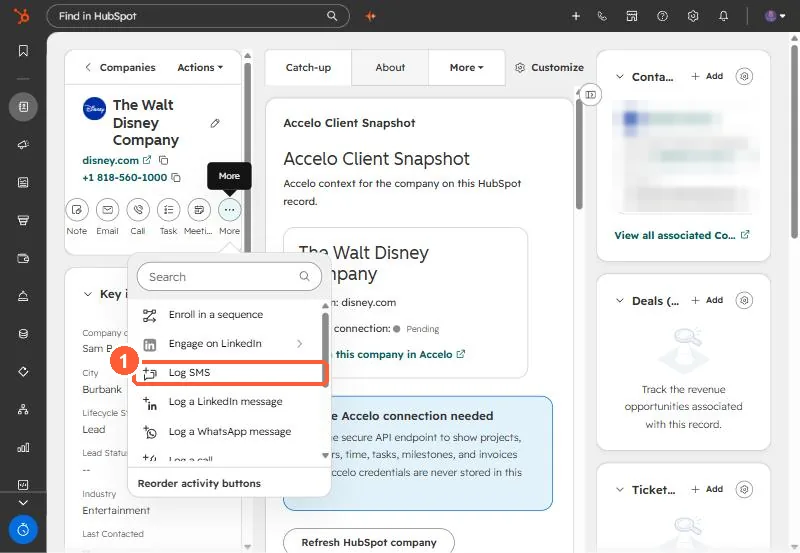
The relevant screen in my demo portal.
2. Worth knowing
Comments keep context with the activity instead of in a separate note.
3. Related
Logging activities and filtering the timeline.