Short answer
HubSpot's KB: upload images, fonts, audio, PDFs and other files to the file manager from the mobile app, and create folders there. Files uploaded this way default to Public visibility; you can change it in the app. Folders and files appear on desktop too.
1. In HubSpot
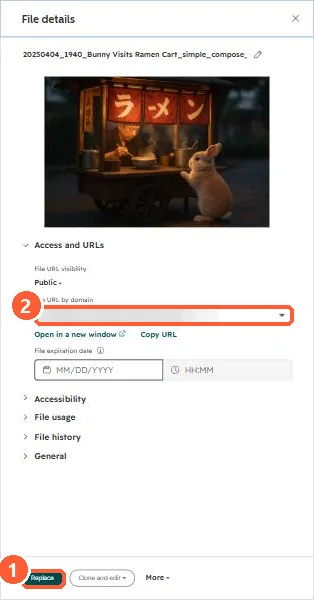
The relevant screen in my demo portal.
2. Worth knowing
Change visibility before sharing anything sensitive, since Public files are reachable by URL.
3. Related
Direct file links and offline records.