Short answer
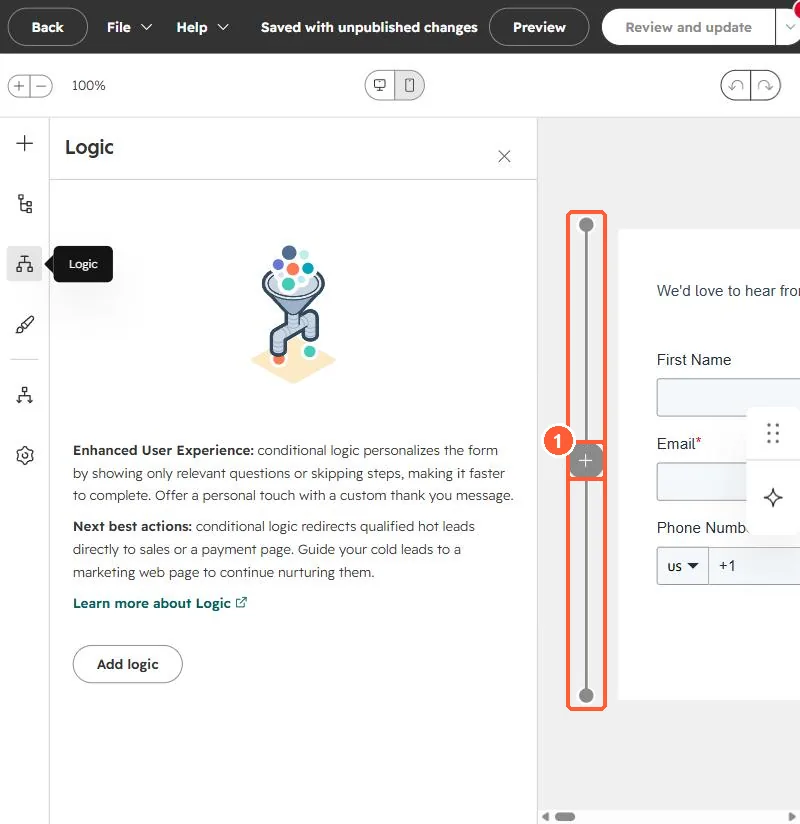
In the form editor, click the + beside the form to add a step, then drag fields onto it. HubSpot's KB says required fields must be completed before a visitor can continue to the next step, and a progress bar across steps is available with Marketing Hub Starter, Professional or Enterprise. Steps can also be shown or hidden with conditional logic.
1. Add a step
In my demo portal, the step rail runs down the left of the form preview, with a + to add a step.
2. What goes on step one
- Put email first, so a partial completion still identifies the visitor.
- Keep each step short.