Short answer
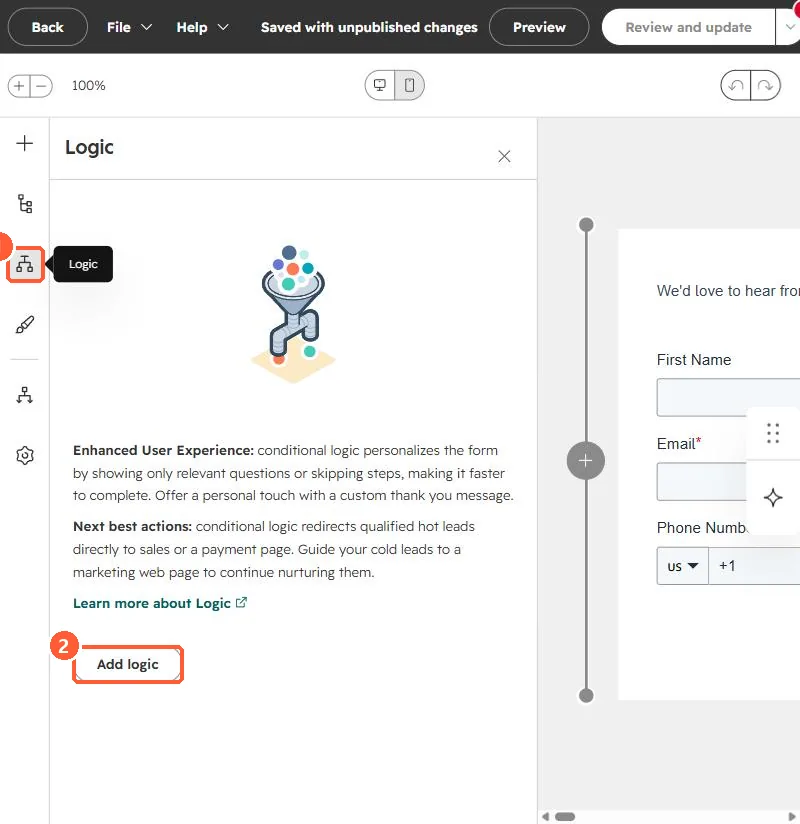
In the form editor's Logic panel, conditional logic shows only relevant questions, skips steps, sets a custom thank-you message, or redirects visitors (for example, hot leads to a booking page). HubSpot's KB says it needs Marketing Hub or Content Hub Professional or Enterprise. In the legacy editor this was dependent fields, which could only use existing fields.
1. The Logic panel
The form editor in my demo portal, Logic panel open on a form with no logic yet. I did not change the form.
2. Good uses
- Ask company size only when the visitor chooses a business inquiry.
- Send qualified answers to a meeting page. See meetings links.
3. Related
Multi-step forms and form follow-up emails.