Quick tipHow toSales Hub

Customize the Office 365 add-in settings

Log and track defaults, toolbar pinning.

Subscription
All tiers
Permissions
Connected inbox user
Time
2 min · Beginner
Last verified

Short answer

HubSpot's KB: from the add-in, set your log and track defaults and open integration settings. Use Customize Toolbar to pin HubSpot Sales. Super Admins set which associated records emails log to.

1. In HubSpot

The relevant screen in my demo portal.
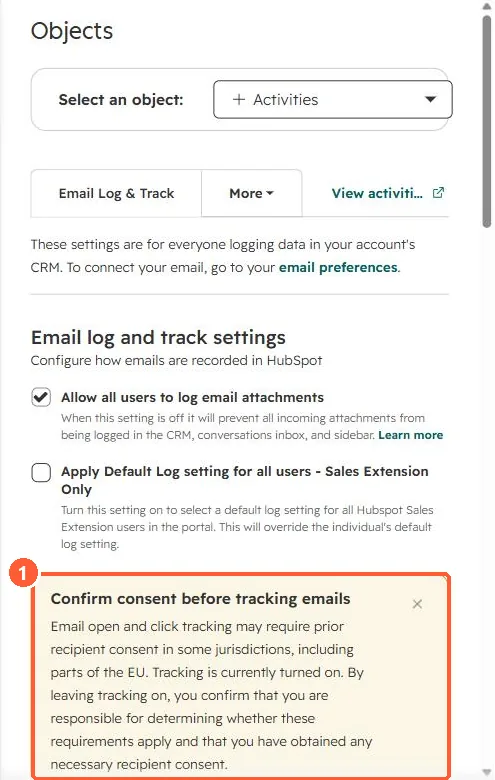
Email log and track settings with a Confirm consent before tracking emails notice
The tracking consent notice (1).

2. Worth knowing

Desktop add-in users follow a separate settings article.

3. Related

Add-in sales tools and troubleshooting.

Sources

New field notes by email

One email when a new article publishes.

Still stuck?

If this did not fix it, the problem is probably specific to your setup. Book a call and we will look at it together.

Book a call with Sam