Short answer
HubSpot's KB: if you've set up HubSpot payments or Stripe, add a payment link to a scheduling page by turning on Collect payments.
1. Meetings
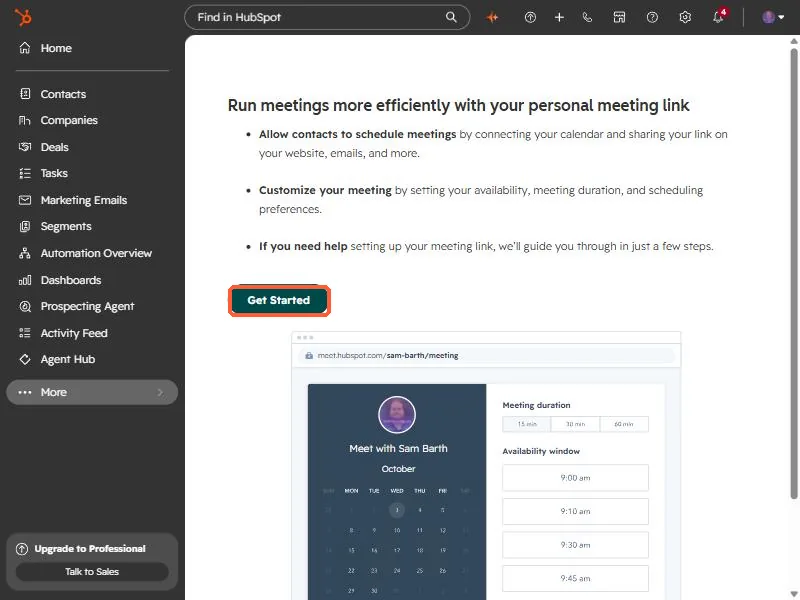
The meetings tool in my demo portal.
2. Payments
See payment links.
Turn on Collect payments on the scheduling page.
HubSpot's KB: if you've set up HubSpot payments or Stripe, add a payment link to a scheduling page by turning on Collect payments.
The meetings tool in my demo portal.
See payment links.
One email when a new article publishes.
If this did not fix it, the problem is probably specific to your setup. Book a call and we will look at it together.
Book a call with Sam