Quick tipGotchaRevenue Hub

Set default payment link settings

Existing links aren't updated.

Subscription
Check your subscription
Permissions
Super Admin
Time
2 min · Intermediate
Last verified

Short answer

HubSpot's KB: defaults apply only to payment links created after the setting is on; existing links aren't updated. Billing and shipping defaults live in checkout settings, payment methods in payment settings. Individual links can still override.

1. In HubSpot

The relevant screen in my demo portal.
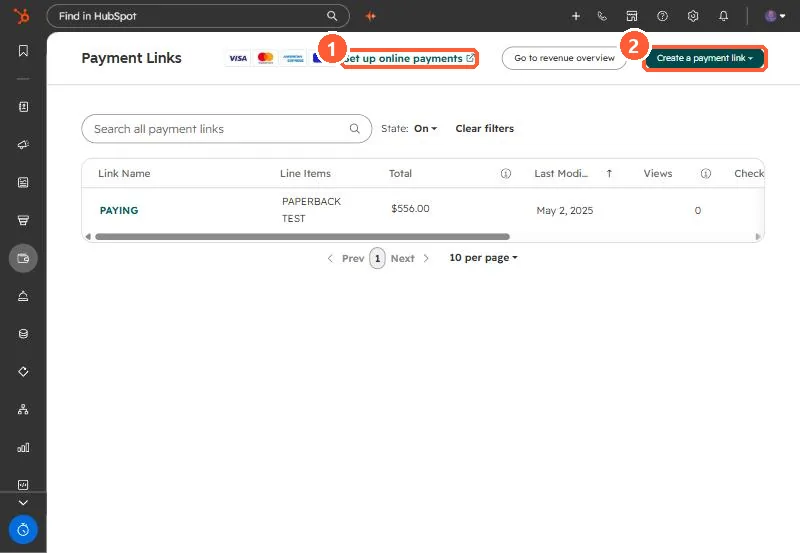
Payment Links list with Set up online payments link and Create a payment link button
Set up online payments (1) and Create a payment link (2).

2. Worth knowing

Edit older links one by one if they need the new defaults.

3. Related

Sales tax and payment link discounts.

Sources

New field notes by email

One email when a new article publishes.

Still stuck?

If this did not fix it, the problem is probably specific to your setup. Book a call and we will look at it together.

Book a call with Sam