Quick tipHow toRevenue HubContent Hub

Add a payment link to a page, email or site

Payments module or embed code.

Subscription
Check your subscription
Permissions
Content edit
Time
2 min · Intermediate
Last verified

Short answer

HubSpot's KB: add the payments module to drag and drop pages or marketing emails; it shows a checkout button. On external sites, paste the embed code. Developers can add a payment field to custom modules.

1. In HubSpot

The relevant screen in my demo portal.
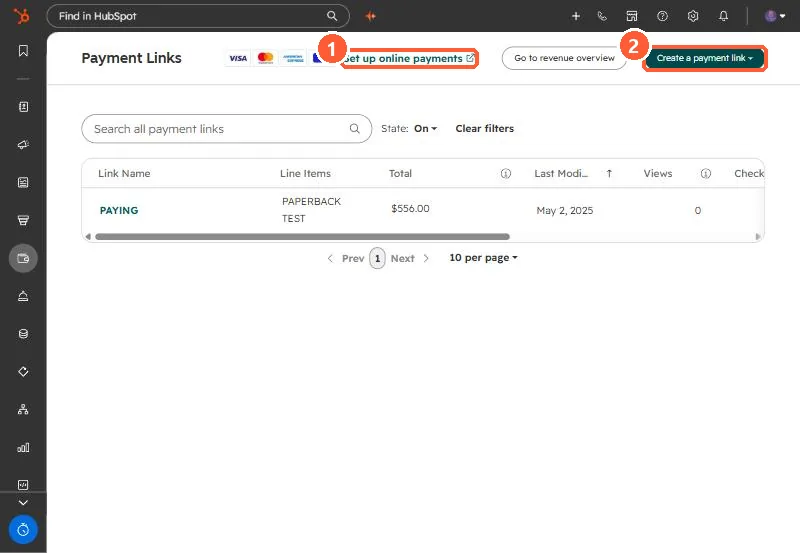
Payment Links list with Set up online payments link and Create a payment link button
Set up online payments (1) and Create a payment link (2).

2. Worth knowing

Test checkout end to end before launch.

3. Related

Payment link defaults.

Sources

New field notes by email

One email when a new article publishes.

Still stuck?

If this did not fix it, the problem is probably specific to your setup. Book a call and we will look at it together.

Book a call with Sam