Tick Allow customers to edit quantity and set limits.
Subscription
Needs HubSpot payments or Stripe
Permissions
Super Admin or Manage payment links
Time
2 min · Beginner
Last verified
Short answer
HubSpot's KB: in the payment link line item editor, select Allow customers to edit quantity and enter a Min quantity and Max quantity. Links created from CRM records turn off after a purchase by default; links from the index page stay active unless you turn on One-time use.
1. Products
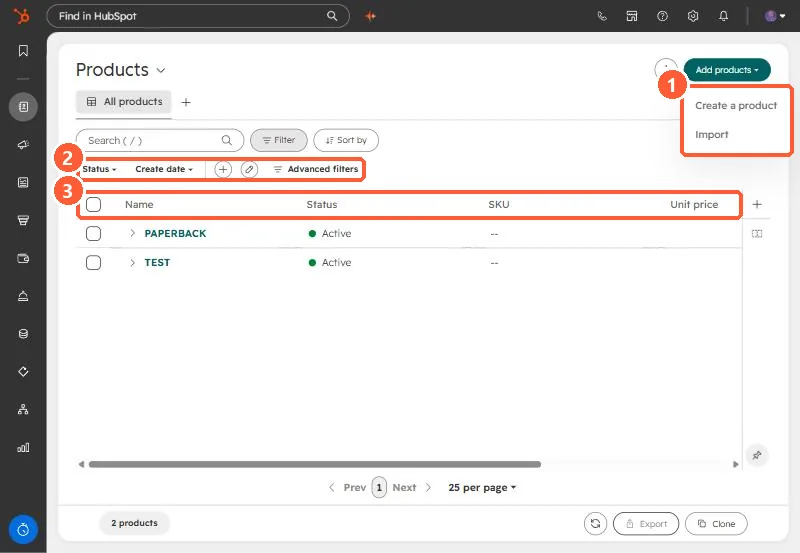
Products in my demo portal.
Add products menu (1), quick filters (2), and columns (3).