Quick tipGotchaMarketing Hub

Use progressive fields in legacy forms

Not with Always create contacts.

Subscription
Check your subscription
Permissions
Edit forms
Time
2 min · Intermediate
Last verified

Short answer

HubSpot's KB: progressive fields replace known fields with queued ones for returning contacts. They don't work with Always create contacts for new email address, and apply to every field in a row. The updated editor uses form shortening.

1. In HubSpot

The relevant screen in my demo portal.
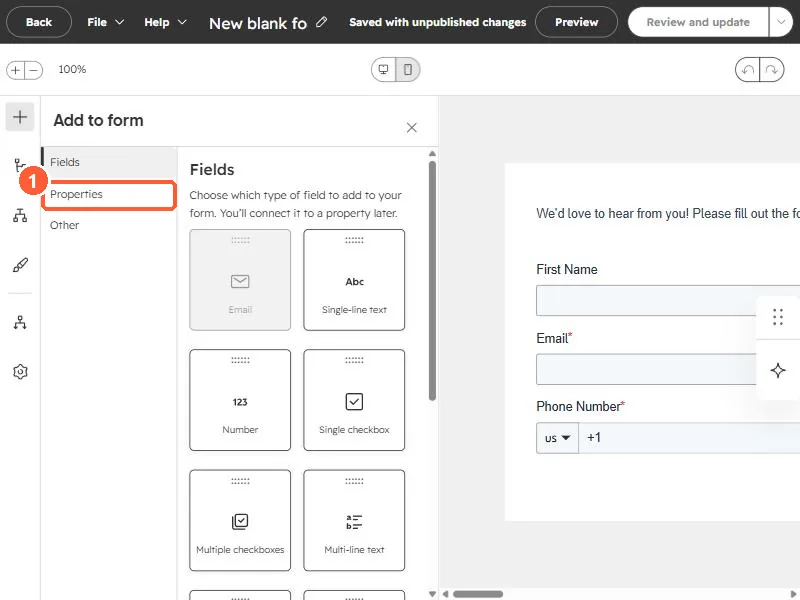
Form editor Add to form panel with Fields, Properties and Other
Properties (1).

2. Worth knowing

Queue the most valuable question first.

3. Related

Pre-populating fields.

Sources

New field notes by email

One email when a new article publishes.

Still stuck?

If this did not fix it, the problem is probably specific to your setup. Book a call and we will look at it together.

Book a call with Sam