Short answer
HubSpot's KB: quote templates need Super Admin or Manage quote templates permission and an assigned core seat. The template styles icon overrides the account's default branding for that template only, so you can keep several templates with different looks. If the standard modules aren't enough, custom modules add more options.
1. In HubSpot
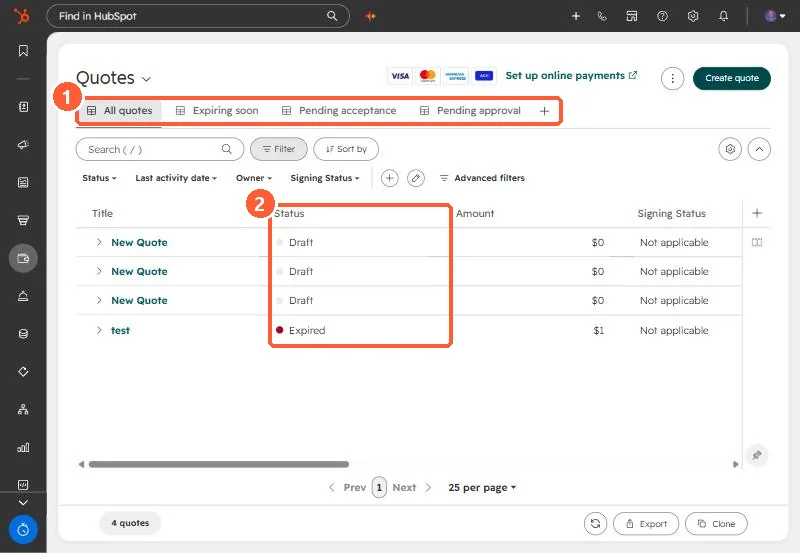
The relevant screen in my demo portal.
2. Worth knowing
Users with access to legacy quotes lose it when assigned a Revenue Hub seat, unless the setting allowing legacy quote creation is on. Check before rolling seats out.
3. Related
Quote basics, quote properties and approvals.