Quick tipHow toSales HubService Hub

Take inbound calls through a calling app in HubSpot

Keep the calling window open or calls won't reach you.

Subscription
Depends on the calling app
Permissions
Calling access
Time
2 min · Intermediate
Last verified

Short answer

HubSpot's KB: providers build inbound support with the Calling Extensions SDK. When you use it, the app opens in a separate calling window, and that window must stay open to make and receive calls. You may need to log in to your provider there.

1. In HubSpot

The relevant screen in my demo portal.
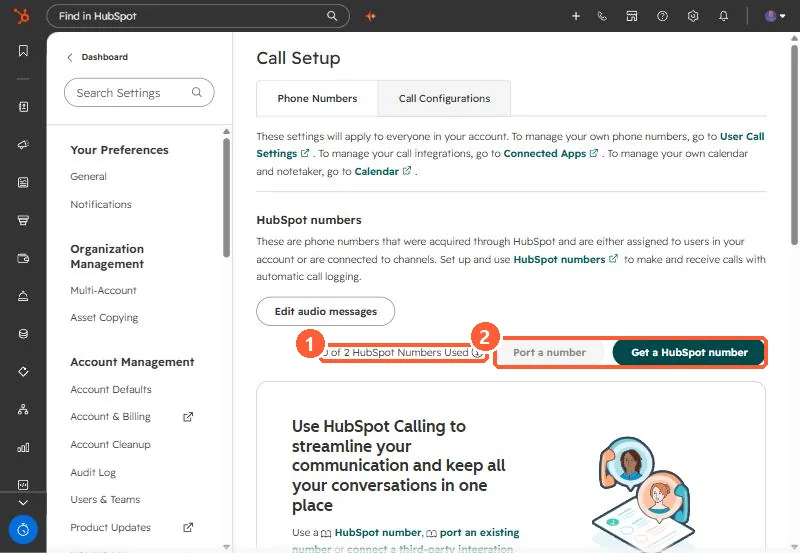
Call Setup page with HubSpot numbers section, 0 of 2 HubSpot Numbers Used, Port a number and Get a HubSpot number buttons
Numbers used (1) and the get or port options (2).

2. Worth knowing

Not every calling app supports inbound in HubSpot. HubSpot-provided numbers handle inbound calls without a third-party app.

3. Related

HubSpot calling numbers and connecting a calling provider.

Sources

New field notes by email

One email when a new article publishes.

Still stuck?

If this did not fix it, the problem is probably specific to your setup. Book a call and we will look at it together.

Book a call with Sam