Quick tipHow toSmart CRM

Choose which properties show on records

Up to 50 properties per section.

Subscription
All tiers
Permissions
Record access
Time
2 min · Beginner
Last verified

Short answer

HubSpot's KB: on the Key information or About this record card, click Actions > Customize properties, then Add properties. A section holds up to 50 properties for that object.

1. In HubSpot

The relevant screen in my demo portal.
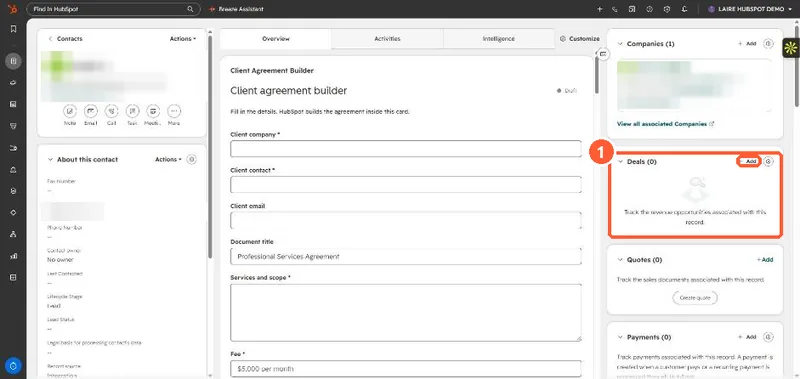
Contact record with the About section and right sidebar cards
The record (1).

2. Worth knowing

Account-wide layouts are set in record customization settings.

3. Related

Record customization and additional emails.

Sources

New field notes by email

One email when a new article publishes.

Still stuck?

If this did not fix it, the problem is probably specific to your setup. Book a call and we will look at it together.

Book a call with Sam