Quick tipGotchaMarketing HubSmart CRM

Reverse an opt-out of all email

Self opt-outs can't be bulk reversed.

Subscription
All tiers
Permissions
Edit contacts
Time
2 min · Intermediate
Last verified

Short answer

HubSpot's KB: you can remove an opt-out of all email that a user added manually. If the contact opted out themselves, you can't add the subscription back in bulk; resubscribe them from their record. Preferences are tied to the email address.

1. In HubSpot

The relevant screen in my demo portal.
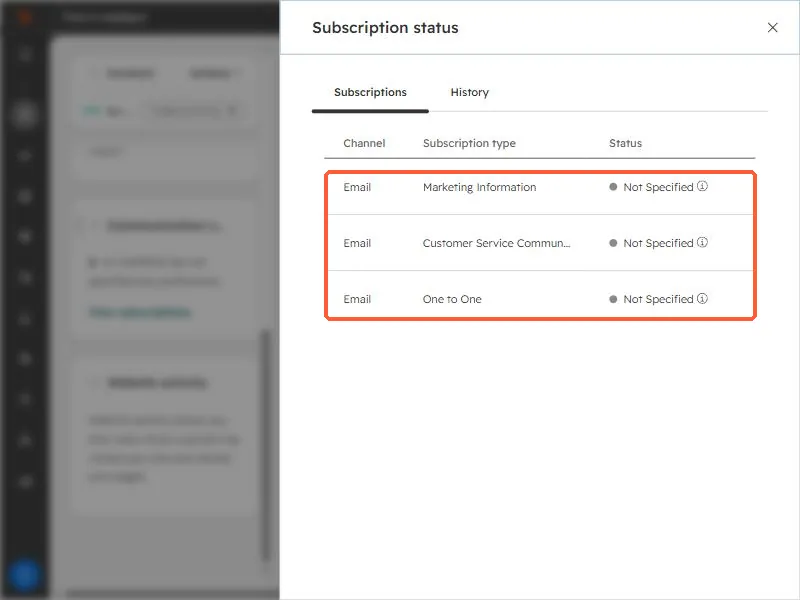
Subscription status panel listing three email subscription types with status
Subscription status panel. Check it after you opt someone out.

2. Worth knowing

Get the contact's consent before resubscribing.

3. Related

Opting out a contact and resubscribing.

Sources

New field notes by email

One email when a new article publishes.

Still stuck?

If this did not fix it, the problem is probably specific to your setup. Book a call and we will look at it together.

Book a call with Sam