Short answer
HubSpot's KB: for a renewal, set the existing deal's Recurring revenue inactive reason to Renewal, then create a new deal with Recurring revenue deal type Renewal. The new deal does not appear in recurring revenue reports, but the original stays included over time. Only closed won deals count, and the close date is the start date for revenue reporting. MRR and ARR are separate default properties.
1. Default properties
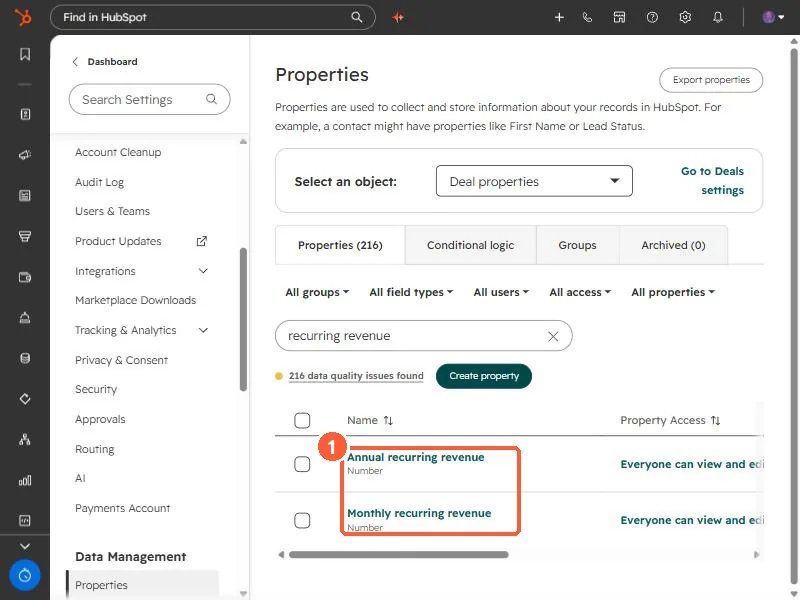
Searching deal properties for recurring revenue in my demo portal shows Annual and Monthly recurring revenue.
2. Inactive reasons
The inactive reason options are Churned, Renewal, Upgrade and Downgrade.
3. Related
Forecast and closing stale deals.