Short answer
HubSpot's KB: a custom reply-to address routes replies away from the From address. To log replies sent to it, connect that inbox to HubSpot. Each marketing email can have only one reply-to, so use a shared or distribution address to reach several people. Some providers still send automated replies such as out-of-office to the original From address.
1. From and reply-to
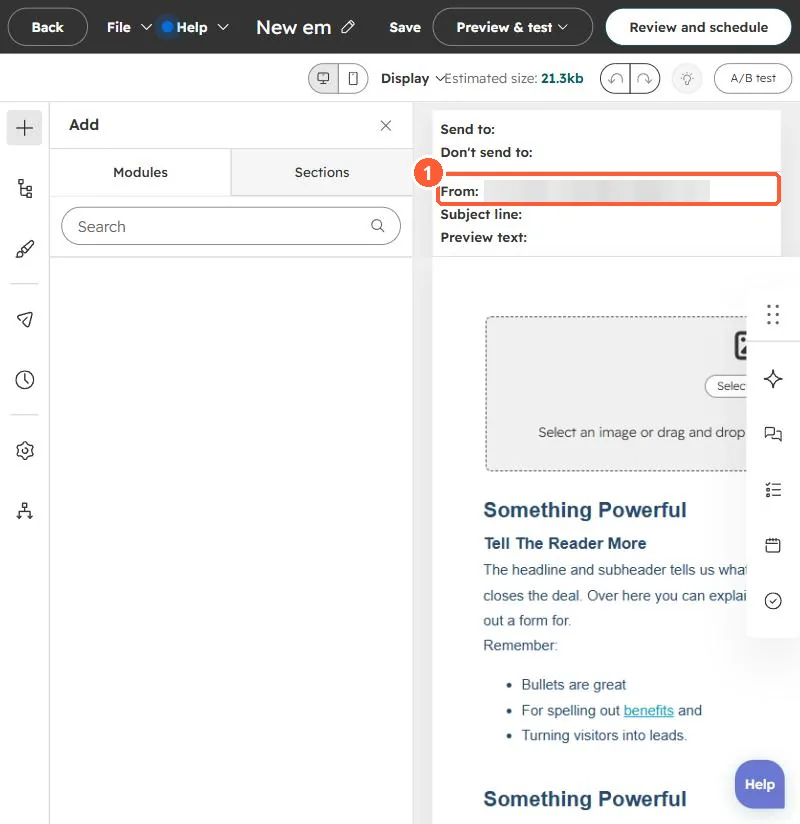
The email editor header in my demo portal shows the From line.
2. Connect the inbox
See connecting an inbox.
3. Related
Sending from the contact owner.