Quick tipHow toMarketing Hub

Unbounce a contact and resend

Dropped emails need a clone to resend.

Subscription
All tiers
Permissions
Contact edit
Time
2 min · Intermediate
Last verified

Short answer

HubSpot's KB: HubSpot skips contacts who permanently bounced; they show on the Not Sent tab. Use the Contact has bounced alert on the record to unbounce. Emails dropped meanwhile must be cloned and resent.

1. In HubSpot

The relevant screen in my demo portal.
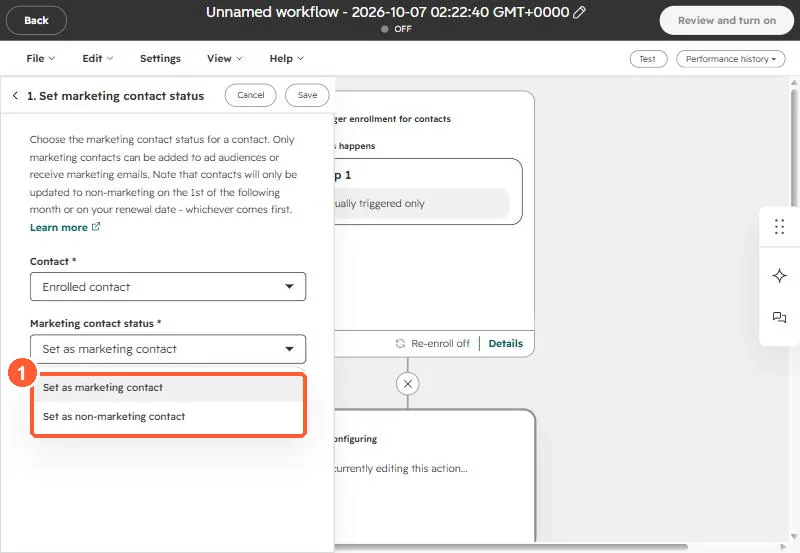
Set marketing contact status action with Set as non-marketing contact option
The action's options (1). The note above them explains when the change applies.

2. Worth knowing

Confirm the address is fixed before unbouncing.

3. Related

Hard vs soft bounces and deleting bounces.

Sources

New field notes by email

One email when a new article publishes.

Still stuck?

If this did not fix it, the problem is probably specific to your setup. Book a call and we will look at it together.

Book a call with Sam