Quick tipHow toContent HubMarketing Hub

Restore a previous version of a page or email

Clone first if you want to keep the current version.

Subscription
All tiers
Permissions
Edit and Publish permission for the tool
Time
2 min · Beginner
Last verified

Short answer

HubSpot's KB: restore earlier versions of a page, blog post, knowledge base article, case study, content embed or email. You need Edit and Publish permission in that tool. To keep the current version too, clone it first, then restore on the original or clone.

1. In HubSpot

The relevant screen in my demo portal.
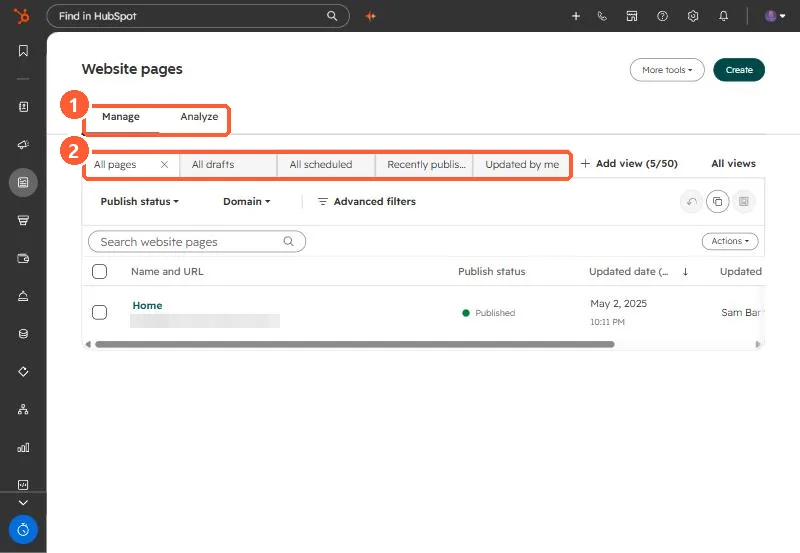
Website pages list with Manage and Analyze tabs, saved views, publish status and domain filters
Manage and Analyze tabs (1) and saved views (2).

2. Worth knowing

Review the KB's requirements and considerations before restoring published content.

3. Related

Exporting content.

Sources

New field notes by email

One email when a new article publishes.

Still stuck?

If this did not fix it, the problem is probably specific to your setup. Book a call and we will look at it together.

Book a call with Sam