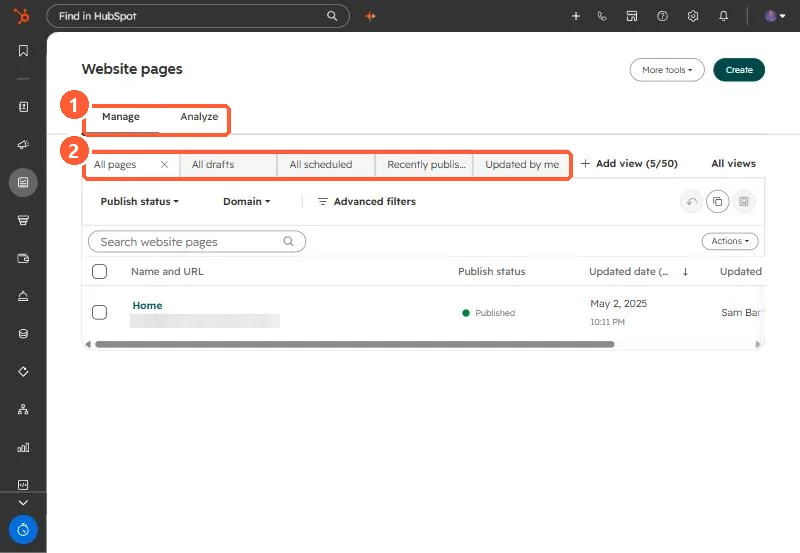
Short answer HubSpot's KB: insert tables via Insert > Table in rich text on pages, blog posts, emails and knowledge base articles. Drag across cells to style them together. 1. In HubSpot The relevant screen in my demo portal. Manage and Analyze tabs (1) and saved views (2). 2. Worth knowing Preview emails on mobile; wide tables can break. 3. Related Rich text modules. Sources HubSpot Community question: How to insert a table into an Email template? HubSpot Knowledge Base: Insert a table in a rich text module