Quick tipHow toSmart CRM

Provision HubSpot users with SCIM

Buy seats and map them to a permission set first.

Subscription
Check your subscription
Permissions
Super Admin
Time
3 min · Advanced
Last verified

Short answer

HubSpot's KB: SCIM creates and manages HubSpot users automatically from your identity provider. Okta and Google have guided setups; providers like Microsoft Entra ID use a custom SCIM integration. To assign seats, purchase them in HubSpot first, create a permission set with a paid seat, then set the user's custom attribute in Google.

1. In HubSpot

The relevant screen in my demo portal.
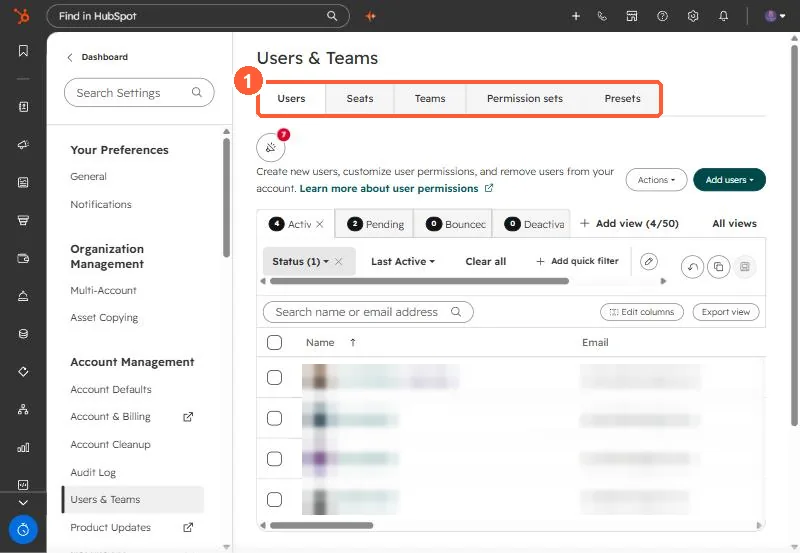
Users and Teams settings with Users, Seats, Teams, Permission sets and Presets tabs
The tabs that matter here (1).

2. Worth knowing

Follow Google's own auto-provisioning instructions for the Google side.

3. Related

Users and Super Admins and login sessions.

Sources

New field notes by email

One email when a new article publishes.

Still stuck?

If this did not fix it, the problem is probably specific to your setup. Book a call and we will look at it together.

Book a call with Sam