Quick tipHow toMarketing HubContent Hub

Show different forms to different visitors

Rules by country, device and more.

Subscription
Check your subscription
Permissions
Edit pages; Design tools for templates
Time
2 min · Intermediate
Last verified

Short answer

HubSpot's KB: smart forms change the form or its options by visitor, such as country or device type (from the browser's user agent). Create them on a page or in a template (Design tools permission).

1. In HubSpot

The relevant screen in my demo portal.
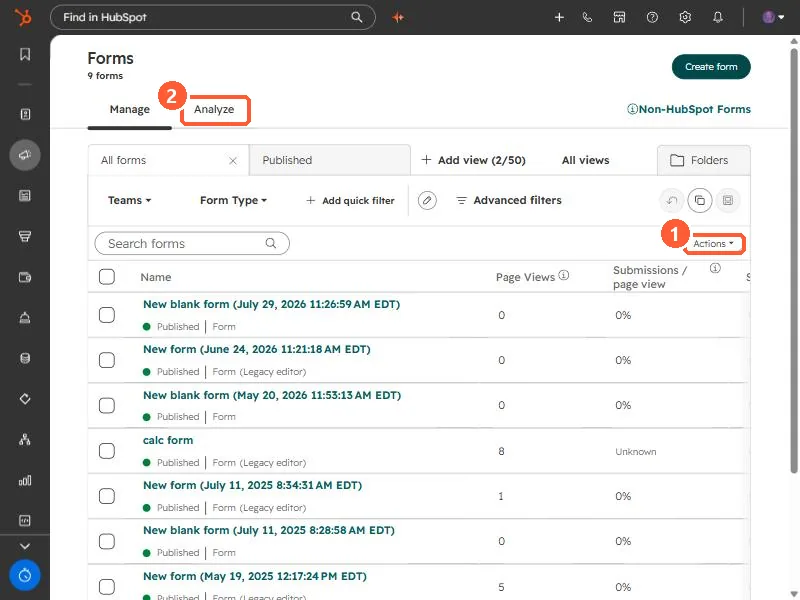
Forms list with Actions menu and Analyze tab
Actions (1) and Analyze (2).

2. Worth knowing

Keep a sensible default form for visitors who match no rule.

3. Related

Smart content rules and form styling.

Sources

New field notes by email

One email when a new article publishes.

Still stuck?

If this did not fix it, the problem is probably specific to your setup. Book a call and we will look at it together.

Book a call with Sam