Short answer
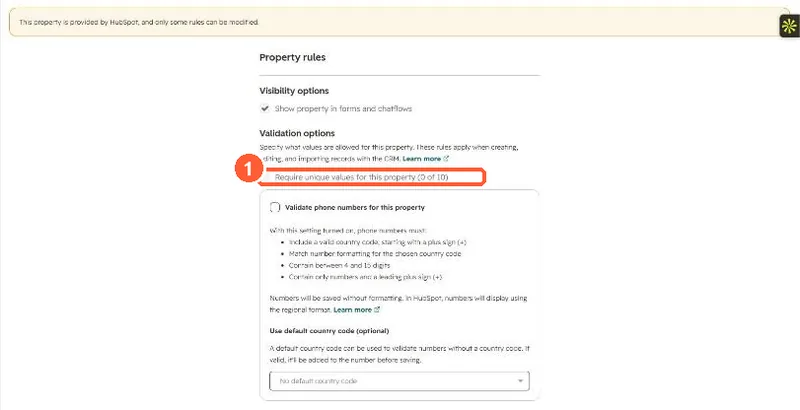
In a property's Rules, the Require unique values for this property option stops two records of that object having the same value. My demo portal shows the limit next to it: 0 of 10. In imports, HubSpot can use a unique value property as the identifier to update existing records, and through the API you can use it the way you would use Record ID or email. HubSpot's own Record ID is already unique for every record.
1. The rule
On a default property like Phone Number in my demo portal, the option is greyed out because HubSpot-provided properties only allow some rules to change. On a custom text property it can be selected.
2. Where it pays off
- Imports: map the column to the property and choose it as the identifier, so rows update the right records. See importing with Record ID.
- Companies: if a unique custom property is the identifier, Company domain name no longer has to be unique for that import.
- API: read and update records by that value instead of storing HubSpot IDs.
3. Before turning it on
Check existing values for duplicates first. A value that breaks a rule shows as an invalid value on the record.