Short answer
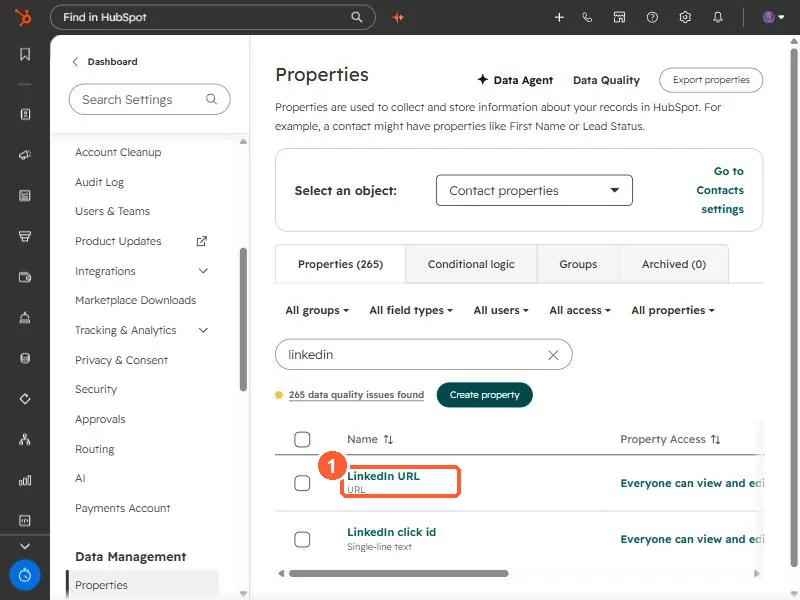
When creating a property, pick the URL field type for values that should open as links. HubSpot's own LinkedIn URL property uses it. Other field types listed in HubSpot's KB (single-line text, dropdown, multiple checkboxes and so on) store text or options and are not designed as links.
1. An example
LinkedIn URL in my demo portal is a URL field.
2. Changing an existing property
Some field types can be changed later. Check usage first. See property usage.