Quick tipGotchaSmart CRM

A new user never got the HubSpot invite

Resend first. If the first delivery bounced, Support has to unblock it.

Subscription
All tiers
Permissions
Add and edit users
Time
2 min · Beginner
Last verified

Short answer

HubSpot's KB: to resend, click Actions > Resend invite. If the invite was delivered but can't be found, send a reset password email. If the first delivery attempt fails, HubSpot blocks that address and you need HubSpot Support to fix it. Users who already have a HubSpot password can be added without an invite email.

1. Users

Active users in my demo portal, blurred.
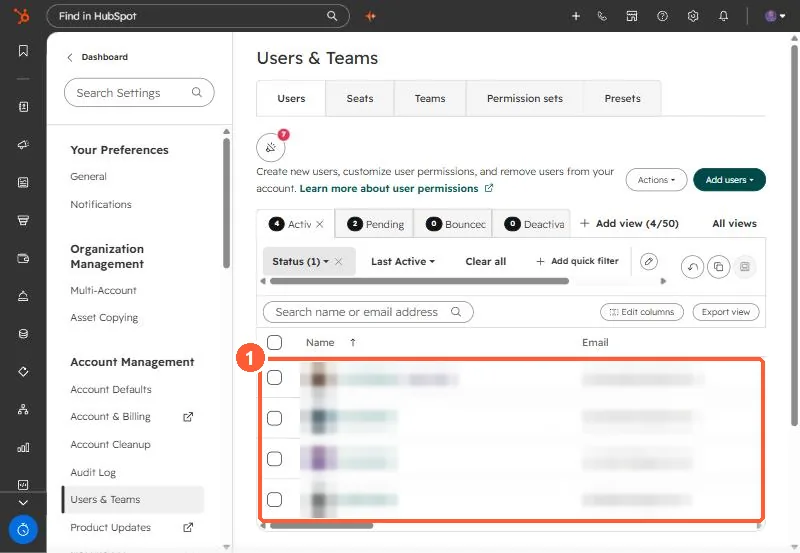
Users and Teams active users list with names and emails blurred
Active users (1).

2. IT filters

Ask IT to allow HubSpot's emails if invites keep disappearing.

3. Related

Changing login email.

Sources

New field notes by email

One email when a new article publishes.

Still stuck?

If this did not fix it, the problem is probably specific to your setup. Book a call and we will look at it together.

Book a call with Sam