Quick tipHow toData Hub

Use a webhook's response later in the workflow

Test the webhook, choose outputs, then use them in Edit record.

Subscription
Data Hub Professional or Enterprise
Permissions
Workflows access
Time
4 min · Advanced
Last verified

Short answer

HubSpot's KB: after testing a webhook, select which response fields to output for later actions; choose only fields present in every response. In a later action, open the data panel, go to Action data, select the Send a webhook action and use its properties.

1. The action

Data ops actions in my demo portal.
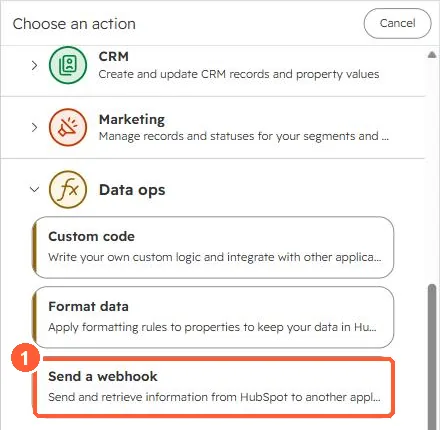
Workflow action picker Data ops group with Send a webhook highlighted
Send a webhook (1).

2. Setting the property

See Edit record.

3. Related

Send a webhook.

Sources

New field notes by email

One email when a new article publishes.

Still stuck?

If this did not fix it, the problem is probably specific to your setup. Book a call and we will look at it together.

Book a call with Sam