Short answer
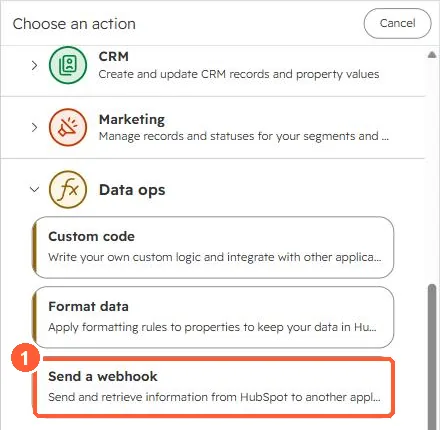
Send a webhook sends record data to your URL when the workflow reaches it. With Request signature authentication, HubSpot adds X-HubSpot-Signature: a SHA-256 hash of your app secret, the HTTP method, the URI and the raw body. HubSpot's developer blog notes the signature is only sent when you add a valid app ID. Compare the hash on your server and reject mismatches.
1. Where it is
2. Validate on your side
expected = sha256(app_secret + method + uri + raw_body)  // hex
if (expected !== request.headers['x-hubspot-signature']) reject(400)
Workflow webhook requests use signature version 2, set in the X-HubSpot-Signature-Version header. Use the raw body exactly as received.
3. When to use something else
For many events from many records, app webhooks scale better. See webhooks. For logic inside HubSpot, see custom code actions.