Quick tipFix itMarketing Hub

Zoom webinar data didn't sync

Check the webinar audit log.

Subscription
Check your subscription
Permissions
Integration access
Time
2 min · Intermediate
Last verified

Short answer

HubSpot's KB: review the Zoom webinar audit log for sync status. Common causes: no participant data in Zoom, or global, webinar, or recording and transcript sync settings turned off.

1. In HubSpot

The relevant screen in my demo portal.
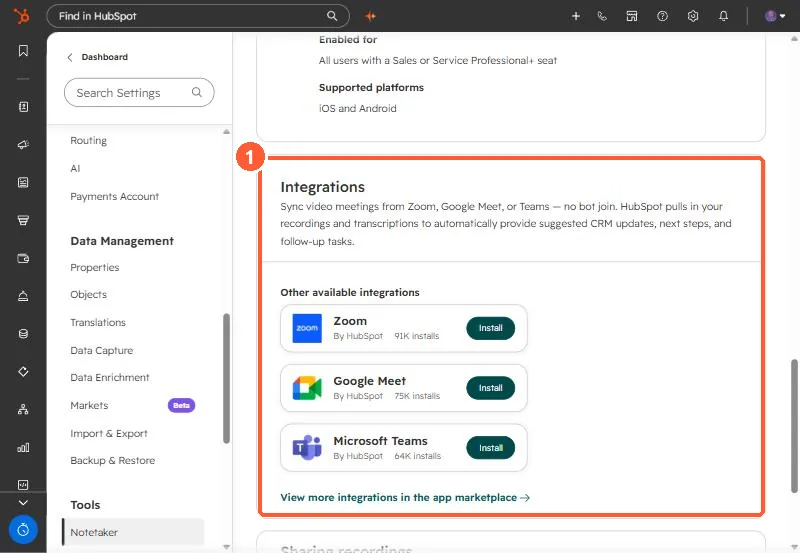
Notetaker settings Integrations section listing Zoom, Google Meet, and Microsoft Teams
The Integrations section (1) in Notetaker settings.

2. Worth knowing

Check settings before the webinar, not after.

3. Related

Zoom webinars.

Sources

New field notes by email

One email when a new article publishes.

Still stuck?

If this did not fix it, the problem is probably specific to your setup. Book a call and we will look at it together.

Book a call with Sam