Short answer
HubSpot's KB: toggle Enabled featured image on in the post. If an image appears before the read more separator, HubSpot assigns it automatically. To show images on the listing page, select Use featured image in listing summaries in the Blog Listing Page section of blog settings.
1. In HubSpot
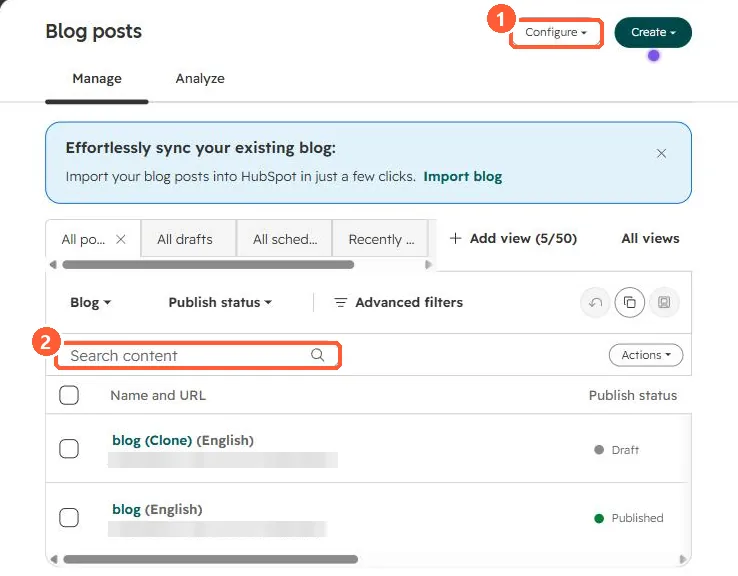
The relevant screen in my demo portal.
2. Worth knowing
Featured images also appear as thumbnails when the post is shared on social media. Generating one with Breeze needs Content Hub Professional or Enterprise.
3. Related
Blog subscription emails and authors and tags.