Quick tipFix itSales HubService Hub

Microphone not working on HubSpot calls

Usually device or browser settings.

Subscription
All tiers with calling
Permissions
Calling access
Time
2 min · Beginner
Last verified

Short answer

HubSpot's KB: most issues come from computer or browser settings. Allow the microphone in your browser, pick the right device, and try another network. Calling isn't supported in Internet Explorer.

1. In HubSpot

The relevant screen in my demo portal.
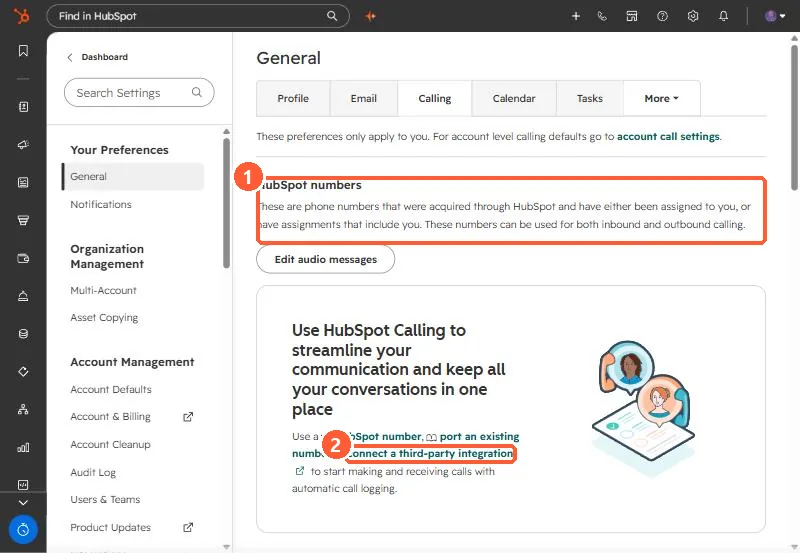
Calling preferences page with the third-party integration link and HubSpot numbers section highlighted
Personal calling settings: HubSpot numbers (1) and the third-party integration link (2).

2. Worth knowing

Test with a different headset first.

3. Related

Browser calling and supported browsers.

Sources

New field notes by email

One email when a new article publishes.

Still stuck?

If this did not fix it, the problem is probably specific to your setup. Book a call and we will look at it together.

Book a call with Sam