Quick tipHow toSmart CRM

Export report data or email it on a schedule

Export from the report, or send it on a schedule.

Subscription
All tiers with reports
Permissions
Reports access
Time
3 min · Beginner
Last verified

Short answer

HubSpot's KB: export a report as CSV or Excel, or email it; recurring emails can be daily, weekly or monthly. Single-object reports export properties in the Selected properties section; custom reports export Configure tab fields. Only Single object, Event-based and Customer journey reports can be sent as files by email.

1. Reports list

Reports in my demo portal.
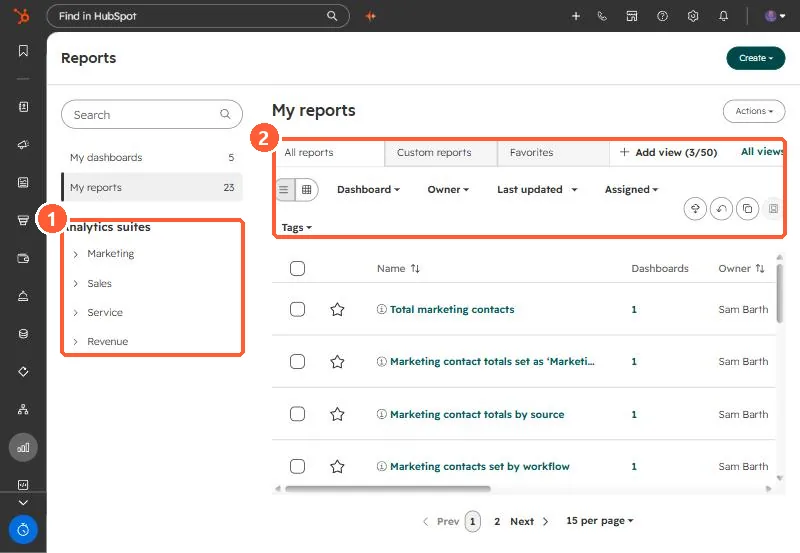
Reports list with My dashboards, My reports, Analytics suites, and All reports, Custom reports, Favorites tabs
Analytics suites (1) and the report tabs and filters (2).

2. Google Sheets

For a live sheet, a workflow can write rows. See Google Sheets action.

3. Related

Recurring report emails.

Sources

New field notes by email

One email when a new article publishes.

Still stuck?

If this did not fix it, the problem is probably specific to your setup. Book a call and we will look at it together.

Book a call with Sam