Quick tipHidden trickMarketing HubSales Hub

Replace a user across all workflows

No need to edit each workflow.

Subscription
Professional or Enterprise
Permissions
Super Admin
Time
2 min · Intermediate
Last verified

Short answer

HubSpot's KB: Super Admins can find every workflow that references a user and replace them in bulk. The KB's example: a rep on extended leave, with a manager swapping them out of workflows.

1. In HubSpot

The relevant screen in my demo portal.
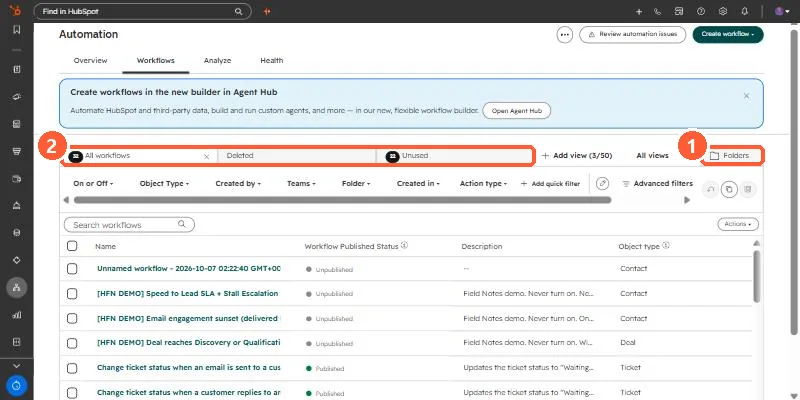
Workflows list with the Folders button and view tabs
Folders (1) and saved views (2).

2. Worth knowing

Run this before deactivating a user.

3. Related

Users and removing users.

Sources

New field notes by email

One email when a new article publishes.

Still stuck?

If this did not fix it, the problem is probably specific to your setup. Book a call and we will look at it together.

Book a call with Sam