Quick tipHow toMarketing Hub

Connect GoToWebinar to HubSpot

One GoToWebinar account per HubSpot account.

Subscription
All tiers; workflows Professional+
Permissions
App marketplace access
Time
2 min · Intermediate
Last verified

Short answer

HubSpot's KB: the integration connects to one GoToWebinar account. Sync past webinars manually and turn on auto-sync for new ones. The event's sync must be on to enroll contacts. It doesn't add personalized join links to HubSpot emails automatically.

1. In HubSpot

The relevant screen in my demo portal.
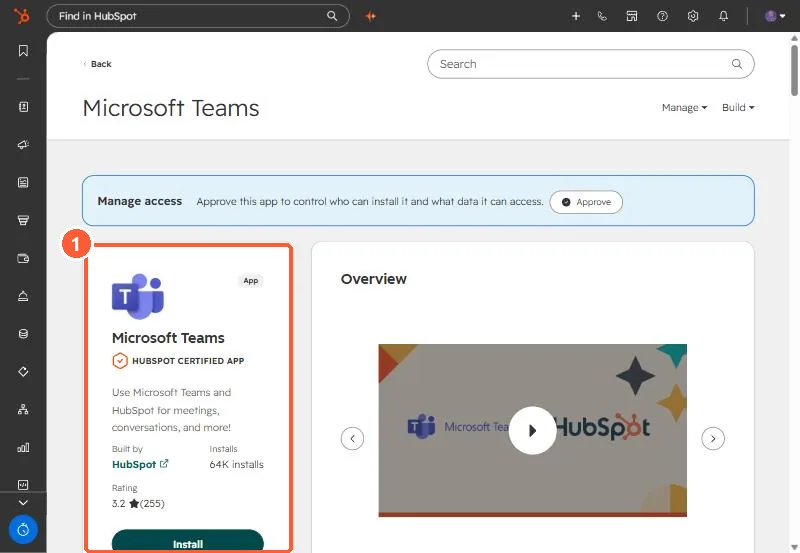
Microsoft Teams app in the HubSpot Marketplace with the Install button highlighted
The Microsoft Teams app (1). Calling settings live in its Settings tab after install.

2. Worth knowing

Keep the GoToWebinar required fields to the set the KB lists, or registrations can fail.

3. Related

Zoom webinars and marketing events.

Sources

New field notes by email

One email when a new article publishes.

Still stuck?

If this did not fix it, the problem is probably specific to your setup. Book a call and we will look at it together.

Book a call with Sam