Quick tipHow toService Hub

Route help desk tickets by agent skills

Needs a connected channel.

Subscription
Service Hub Enterprise
Permissions
Help desk settings
Time
2 min · Advanced
Last verified

Short answer

HubSpot's KB: create skills such as languages or custom skills, assign them, then add routing rules per connected channel. Teams and users are optional, so you can route on skills only. A skill can't be deleted while assigned. Skills apply to Service Hub Enterprise seats.

1. In HubSpot

The relevant screen in my demo portal.
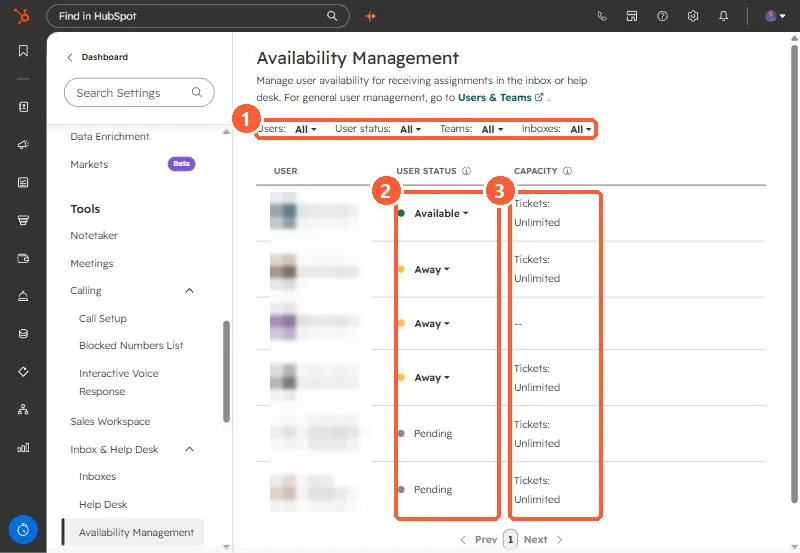
Availability Management with filters, user status, and ticket capacity columns highlighted
Filters (1), status (2), and capacity (3).

2. Worth knowing

Start with languages; they're the easiest skills to define.

3. Related

Ticket routing and availability.

Sources

New field notes by email

One email when a new article publishes.

Still stuck?

If this did not fix it, the problem is probably specific to your setup. Book a call and we will look at it together.

Book a call with Sam