Quick tipHow toService Hub

Style your HubSpot knowledge base

Use the knowledge base theme editor.

Subscription
Service Hub; needs a Service Hub seat
Permissions
Knowledge base settings and Global content and theme settings
Time
3 min · Beginner
Last verified

Short answer

HubSpot's KB: use the theme editor to update colors, typography and navigation so the knowledge base matches your brand. It needs an assigned Service Hub seat plus Knowledge base settings and Global content and theme settings permissions.

1. Knowledge base settings

My demo portal has no knowledge base yet.
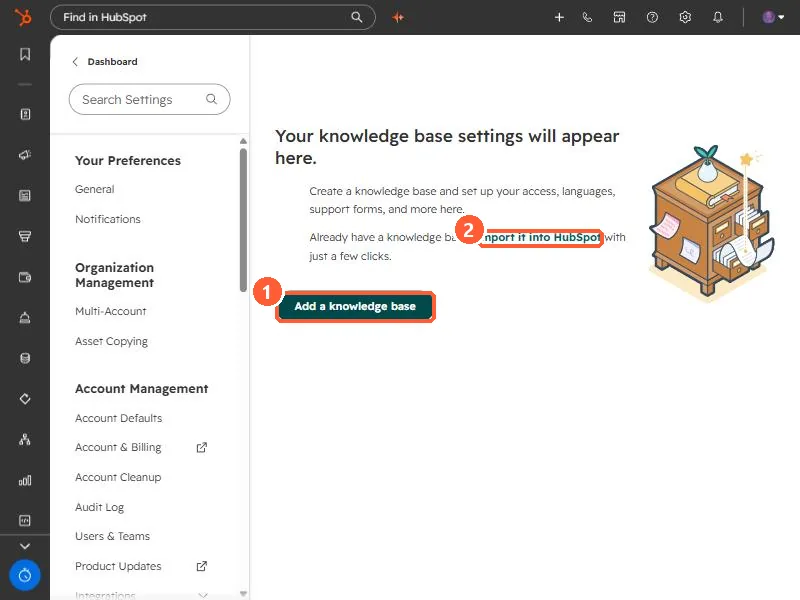
Knowledge base settings empty state with Add a knowledge base and Import it into HubSpot
Add a knowledge base (1) and import (2).

2. Visibility

See knowledge base visibility.

3. Related

Access groups.

Sources

New field notes by email

One email when a new article publishes.

Still stuck?

If this did not fix it, the problem is probably specific to your setup. Book a call and we will look at it together.

Book a call with Sam