Short answer
On a scheduling page, switch on Pre-meeting reminder and set when each email goes out. HubSpot's KB says you can add up to three reminder emails, and reminders go only to contacts on the invitation at the original booking. With reminders on by default, new meetings inherit them. Reminders follow the time zone set on the scheduling page.
1. Where
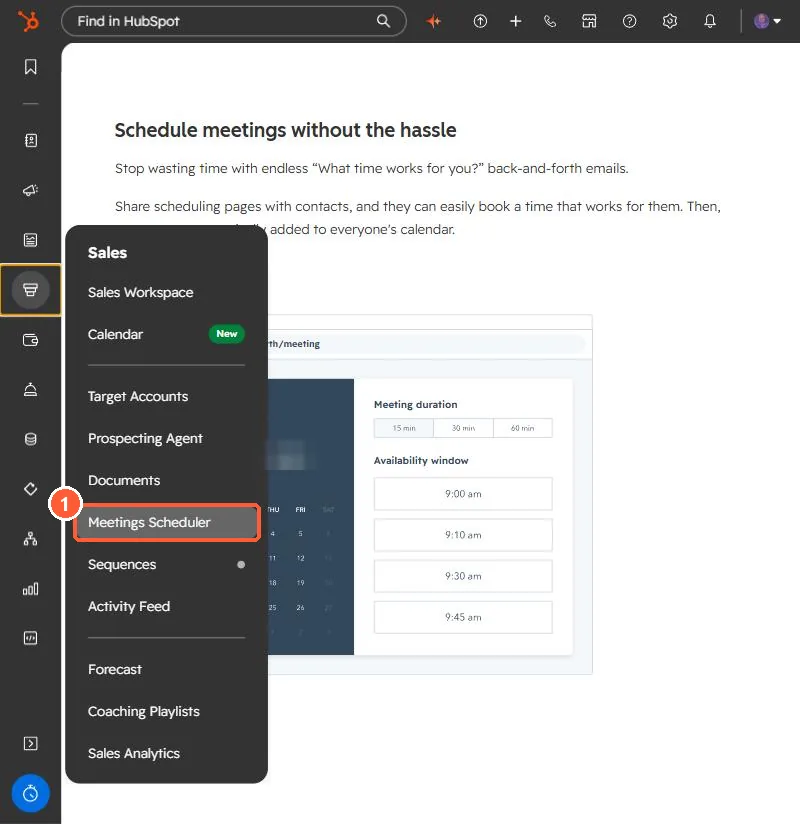
Meetings Scheduler is in the Sales menu. My demo login has no scheduling pages yet, so my demo portal shows the intro.
2. Buffer time
HubSpot's example: a 1:00 to 1:30 meeting with a 30-minute buffer makes 2:00 the next slot.
3. Related
Meetings links and group meetings.