Quick tipHow toService Hub

Migrate to the new knowledge base editor

Old version read-only for 30 days.

Subscription
Service Hub Professional or Enterprise
Permissions
Super Admin
Time
3 min · Advanced
Last verified

Short answer

HubSpot's KB: migrated articles get temporary URLs ending in /migration for review. Upload images to the files tool first. After you publish, the original becomes read-only for 30 days. A banner means the new knowledge base isn't published yet.

1. In HubSpot

The relevant screen in my demo portal.
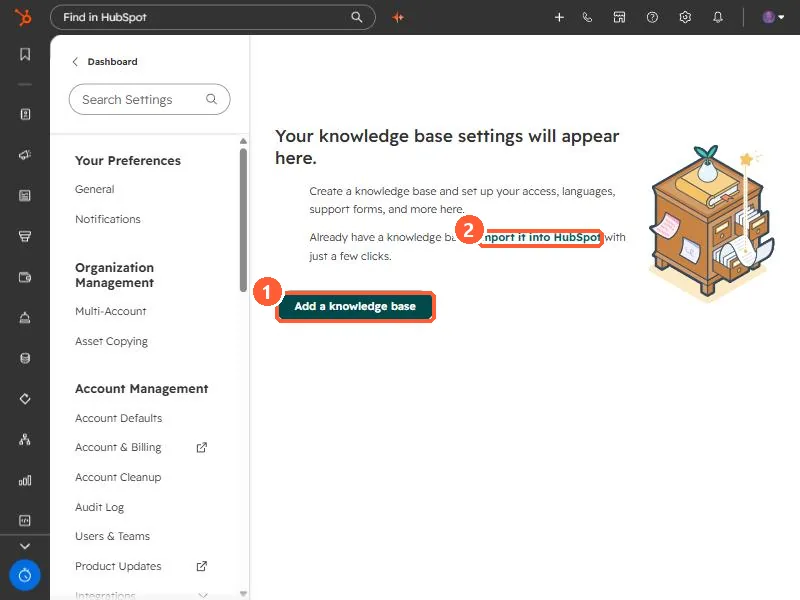
Knowledge base settings empty state with Add a knowledge base and Import it into HubSpot
Add a knowledge base (1) and import (2).

2. Worth knowing

Publish soon after migrating so customers aren't stuck between versions.

3. Related

Multiple knowledge bases and styling.

Sources

New field notes by email

One email when a new article publishes.

Still stuck?

If this did not fix it, the problem is probably specific to your setup. Book a call and we will look at it together.

Book a call with Sam