Calling and logging calls from the HubSpot mobile app
Two options: your carrier, or HubSpot Calling.
Subscription
HubSpot Calling needs a Sales or Service seat
Permissions
Calling access
Time
3 min · Beginner
Last verified
Short answer
HubSpot's KB: the mobile app can call through your mobile carrier or HubSpot Calling, which needs a Sales or Service seat for supported countries. On Android, you can turn on logging calls made outside the app. Where two-party consent applies, the app plays an alert before recording.
1. Calling setup
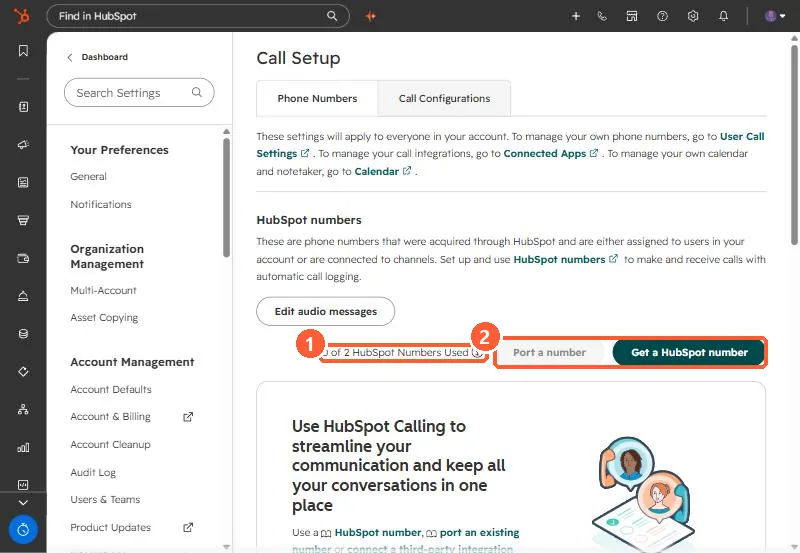
Calling numbers are set up on desktop. My demo portal's setup: