Receipts send automatically. You can't switch them off.
Subscription
HubSpot payments needs Starter and up; Stripe works on all tiers
Permissions
Super Admin for payment settings
Time
2 min · Beginner
Last verified
Short answer
HubSpot's KB: receipt, refund and bank debit confirmation emails are sent to customers automatically and can't be turned off. Payment settings need Super Admin, and include business information such as the support phone number shown to buyers.
1. Payments
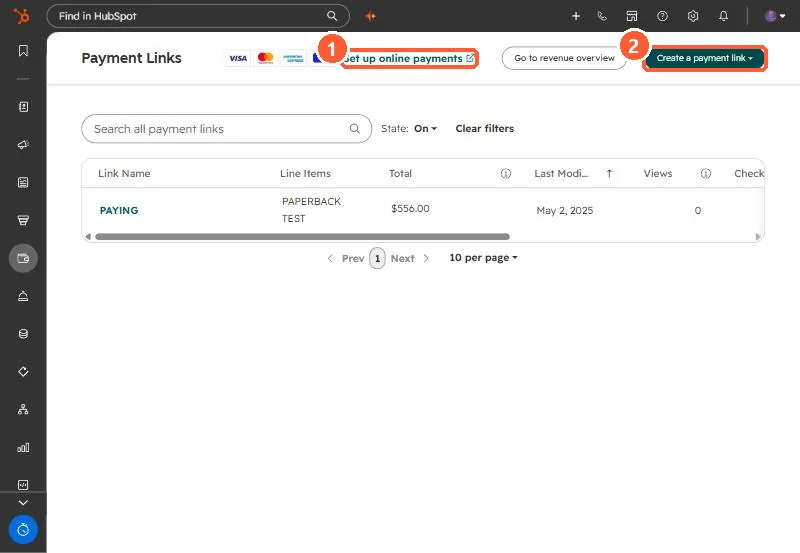
Payment setup in my demo portal.
Set up online payments (1) and Create a payment link (2).