Quick tipHow toMarketing Hub

Put personalization tokens in email links and buttons

One email, a different link per contact.

Subscription
All marketing email tiers
Permissions
Edit permission for marketing email
Time
3 min · Intermediate
Last verified

Short answer

HubSpot's KB: in the marketing email editor, image and button modules can use links that pull data from personalization tokens, sending contacts to pages personalized to them. Set default values for the token so contacts without a value still get a working link.

1. Modules

Button and image modules in the email body in my demo portal.
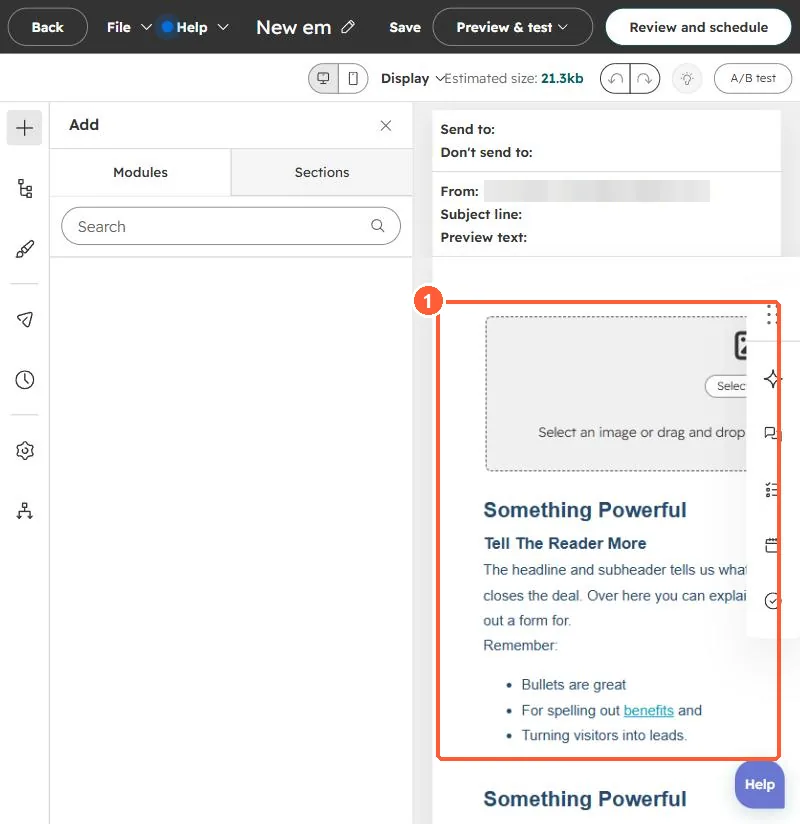
Email editor with the email body containing image and text modules
The email body (1).

2. Test it

See test sends.

3. Related

Token defaults.

Sources

New field notes by email

One email when a new article publishes.

Still stuck?

If this did not fix it, the problem is probably specific to your setup. Book a call and we will look at it together.

Book a call with Sam