Quick tipHow toService Hub

Ask follow-up questions in a survey based on the answer

Dependent fields only work in custom surveys.

Subscription
Service Hub
Permissions
Survey access
Time
2 min · Beginner
Last verified

Short answer

HubSpot's KB: add dependent fields to tailor a survey with fields that appear based on the response. They're only available in custom feedback surveys. Edit the question in the preview, add the dependent fields, then click Done.
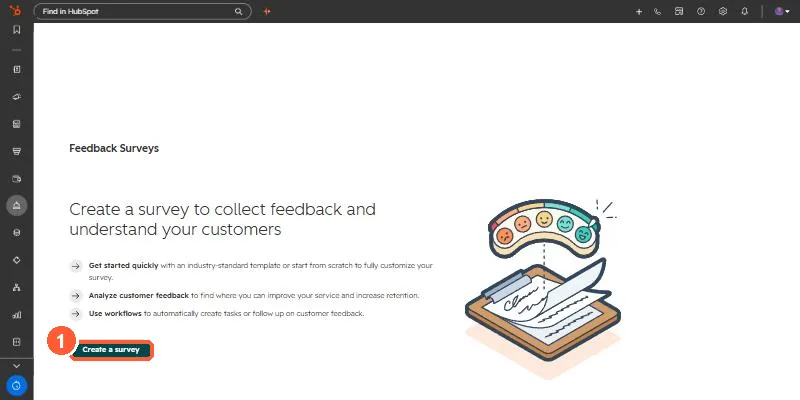
1. Surveys

Feedback surveys in my demo portal.

Feedback Surveys start page with a Create a survey button
Create a survey (1).

2. Standard surveys

See CSAT and NPS.

3. Related

Survey response properties.

Sources

New field notes by email

One email when a new article publishes.

Still stuck?

If this did not fix it, the problem is probably specific to your setup. Book a call and we will look at it together.

Book a call with Sam